Automation
No Asteroids Drones and Automated Mining Guide
Choose between the Digger, Prospector, Sapper and oxygen support, and fix a drone that stays on the ship or stops working.
Pick a Digger when you need more rock cleared, or a Prospector when you want more ore. If the Prospector stops with a full backpack, check the ship hold too. To disable drone deployment, use the Drones switch in Ship Controls.
Which drone solves your problem?
| If your shift ends because… | Consider | What to check after a shift |
|---|---|---|
| You still have room and air but need to clear more rock | Digger | Removed volume per day. The November 21 developer note says it can seek nearby rock. |
| You need more saleable ore | Prospector | Minerals in the lander and ship hold. The developer says the Prospector can continue past a full backpack if the ship hold has space. |
| Low air forces an early return | Oxygen Drone or more air capacity | Air remaining when you turn back, then again at the lander. Check the actual time saved before investing further. |
| You want a drone that uses charges | Sapper | How it fares on the terrain you mine most often. The November 21 update increased its reach. |
The November 21 pre-release update set Digger and Prospector Power upgrades to +25% per level. That tells you what the patch changed, but it cannot tell you how many units you will gain in your save. The equipment database separates developer patch notes from workshop prices.
Why a drone stays on the ship or stops working
- Check the Drones switch in Ship Controls. The developer added the switch in full-release 1.0.2. If no owned drones deploy, check this before spending on another one.
- Check both cargo destinations. If your Prospector was active at the start, a full backpack and full ship hold can leave it nowhere to put more ore. For the ship-hold side, see the Tractor Beam guide.
- Account for terrain. Since Update 1.0.2, drones and Shaker charges can work on large detached pieces. The developer also says drones avoid opening gas pockets near the player. A change in terrain can affect output even when the loadout is the same.
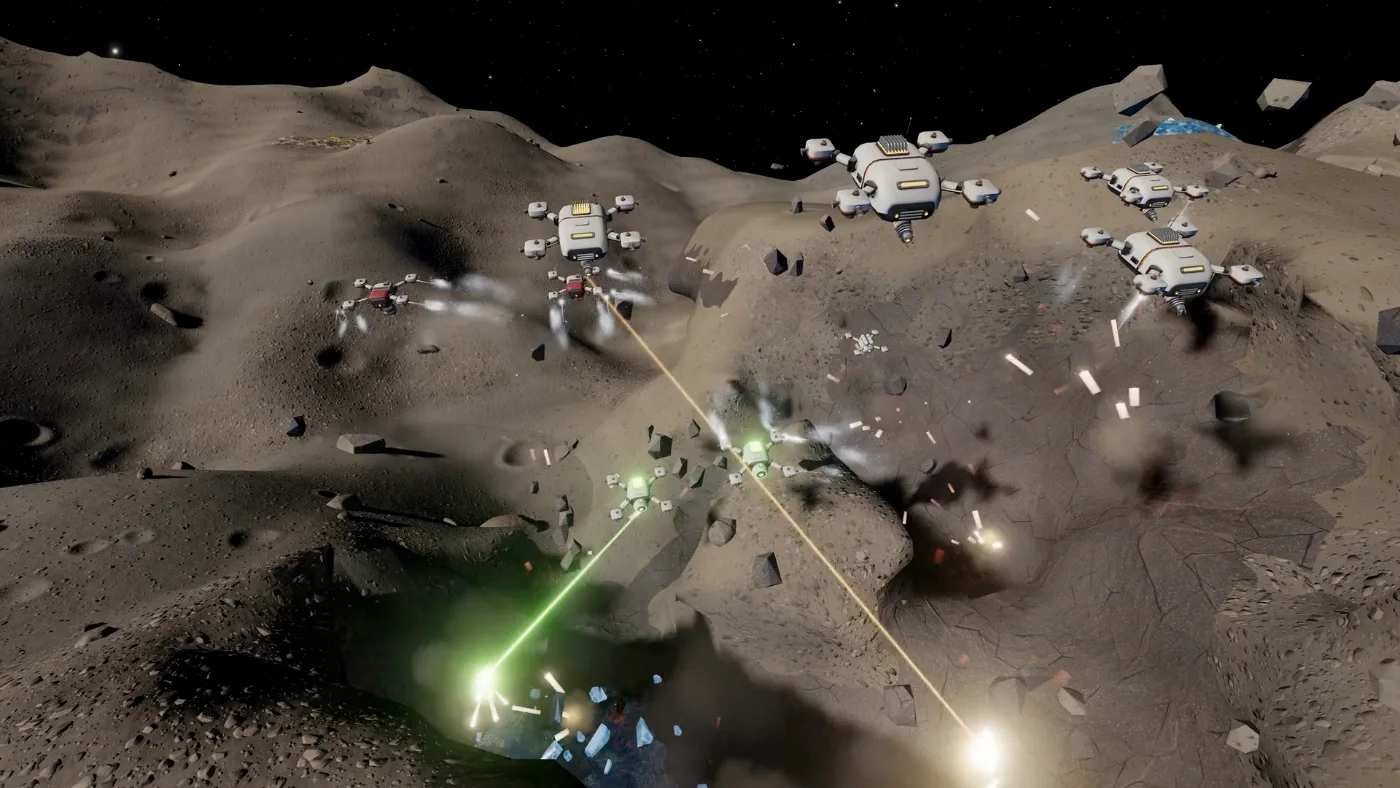
Watch the official six-second drone clip to see several drones working at once.
Compare the next drone or ship upgrade
Track both volume removed and extra ore sold across comparable shifts. The Digger and a ship gun may help the deadline even when the sales total barely changes. A Prospector or a hold upgrade addresses a different problem if saleable ore is the bottleneck.
For an income purchase, divide the Workshop quote by the additional net credits you actually gain per comparable shift. An upgrade costing 5,000 credits that adds 500 net credits per shift takes around 10 comparable shifts to break even. Those figures illustrate the test. If your deadline is nearer, compare what the purchase does to your remaining volume in the contract planner.
Sources
- Stronger Drones, Tunnel Mode & Co-op Fixes (pre-release Power, reach and Prospector cargo behavior).
- Developer announcement archive (1.0.2 Drones switch, detached pieces and gas pockets).
- Unruled Games press resources (cover frame, Drones at 0:03).
- Wikily drone reference (community corroboration of drone roles and Oxygen Drone identification).