Ship systems
No Asteroids Ship Guns and Tractor Beam Guide
Decide between ship guns, the Tractor Beam and hold upgrades, and learn what unlocks the Lance and Slicer in No Asteroids.
Use ship guns to remove asteroid volume while you mine by hand. Use the Tractor Beam to turn ship-mined ore and lander overflow into stored cargo. For the Lance or Slicer, the documented unlock is to buy either the Orbital Strike or Collapsar first.
Which system should you buy next?
| Your bottleneck | Where to look first | What to measure |
|---|---|---|
| The contract counter barely moves on a good hand-mining shift | Ship guns in Engineering | Asteroid volume removed per countdown day. Compare several shifts after the purchase. |
| The guns break ore but your sale proceeds rarely improve | Tractor Beam in Engineering | Ship-hold cargo and sale proceeds, separately from ore brought home in the lander. |
| Your ship hold fills before the shift ends | Ship hold and Compactor | Whether extra capacity turns material already being extracted into cargo you can sell. |
| You want the Lance or Slicer | Orbital Strike or Collapsar | Whether the Workshop unlock appears after buying the gun. Budget for the handheld tool separately. |
The official game overview confirms that ship guns work while you dig. The community Tractor Beam reference documents the storage and overflow behavior from the Engineering panel. The developer separately confirms that ore collected by ship weapons can count toward daily delivery objectives. Watch the actual order counter if the hold was already full.
What Engineering shows
The developer lists nine ship guns, and the official Steam promotional panel shows nine weapon choices alongside six mounting slots. Look in the Guns tab for the weapon, and the Systems tab for the Tractor Beam. A highlighted slot and a slot-unlock quote are separate from a weapon's price. The equipment database records the Steam panel's displayed quotes with source and scope.
The panel's Mass Driver example shows 1.6 damage, a 2.4 m radius and one shot every 5.9 seconds. Its tooltip describes a deep shaft made by a tungsten rod fired from orbit. Those numbers are from a promotional frame with no visible build or difficulty. A November 25 patch strengthened ship weapons, so use a current Engineering panel for a purchase decision.
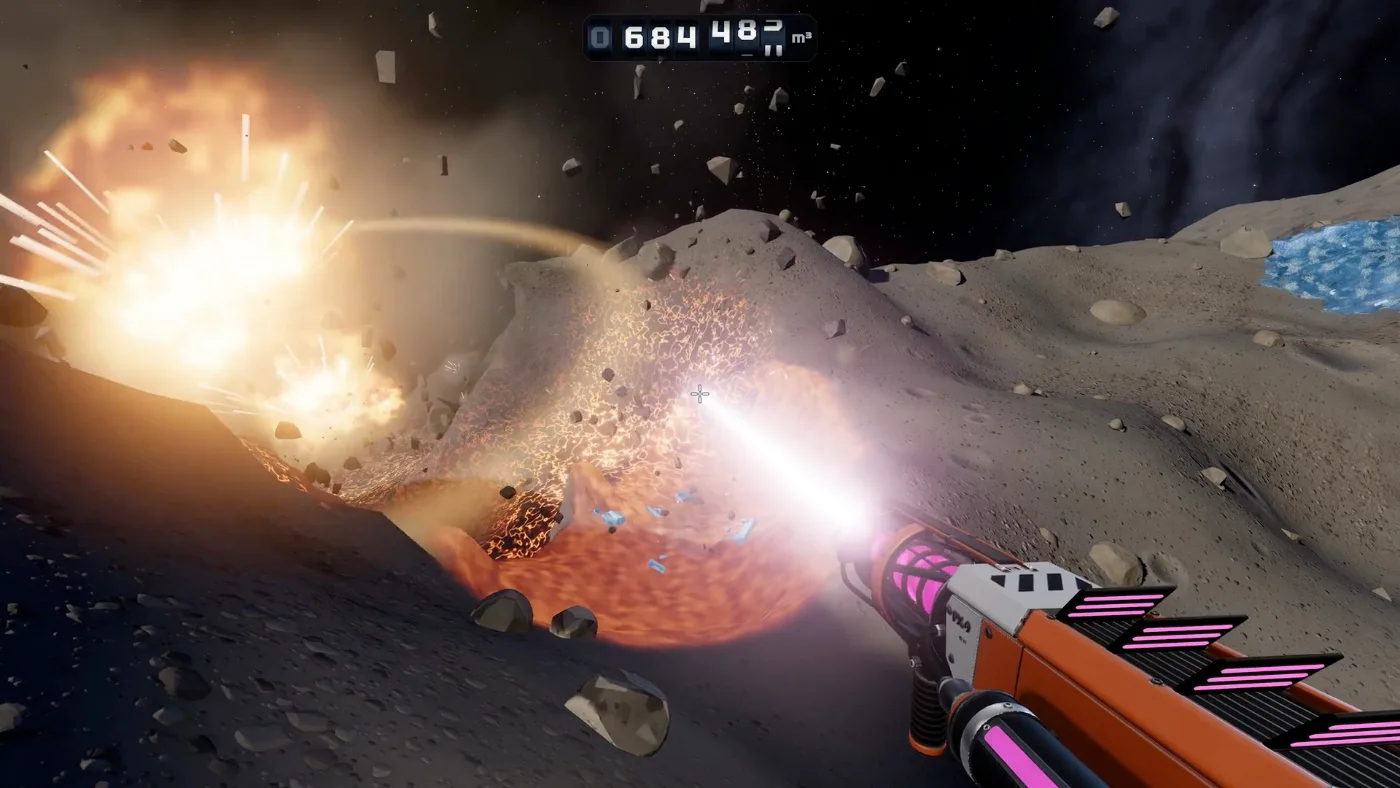
Watch ship guns fire during handheld mining in the developer's short clip.
Check whether a purchase helped
- Record the remaining asteroid volume and days to impact before the purchase.
- After several completed shifts, read the volume again. Update 1.0.6 added mining contribution statistics in Engineering, so check those alongside the remaining-volume counter.
- If the gun improved excavation but the ship hold keeps filling, compare capacity with another gun. See Drones and Automated Mining for nearby excavation and ore collection while you work by hand. Update 1.0.8 extends the Compactor to the ship hold.
- Enter the updated readings in the contract planner. Use the money-making guide to compare the income side.
Lance and Slicer unlocks
Update 1.0.2 moved both handheld unlocks behind the purchase of either Orbital Strike or Collapsar. Later November 25 notes say selling a Lance or Slicer no longer re-locks that handheld tool. See the mining tools guide for the Lance fire-mode switch and the later Slicer change.
Sources
- Unruled Games press kit and game overview (gun count, parallel mining, article permission for clips and cover clip at 0:03).
- Developer announcement archive (full-release versions 1.0.2 to 1.0.8 and November 25 Gear, Progression & Co-op and New Game+ notes).
- Steam promotional Engineering screenshot (displayed slots, Mass Driver tooltip; build unlisted).
- Wikily Tractor Beam entry (community transcription of the Engineering panel's storage effect; no price or throughput assumed here).
